
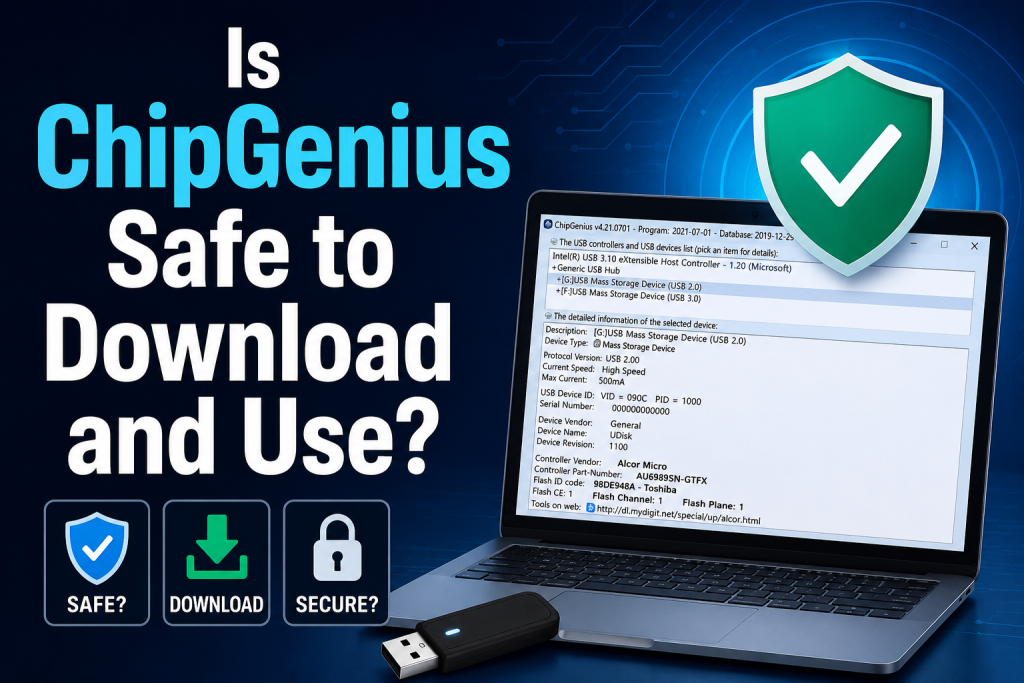
ChipGenius is a small but powerful Windows utility used to detect detailed information about USB flash drives and storage devices. It helps users identify the controller chip, vendor ID, product ID, and other technical data that is usually not visible in standard system tools. Because of its deep hardware access, many users often question its safety and reliability before downloading it.
The tool itself is widely used by technicians and advanced users for diagnosing faulty or fake USB drives. However, since it is often distributed through third-party websites rather than an official source, concerns about security and modified versions are common. Understanding whether ChipGenius is safe to download and use is important before installing it on your system to avoid unnecessary risks or malware infections.
Read More: How to Use ChipGenius to Identify a USB Flash Drive Controller?
What Is ChipGenius?
ChipGenius is a lightweight Windows utility designed to provide detailed information about USB devices connected to your computer. It can identify the controller chip used in USB flash drives, external storage devices, and other USB peripherals.
The software displays technical details such as:
- USB device vendor information
- Product ID (PID)
- Vendor ID (VID)
- Controller manufacturer
- Chip model number
- Firmware-related details
These insights are particularly useful when you need to repair a malfunctioning USB drive or find the correct firmware and formatting tools for a specific device.
Why Do People Use ChipGenius?
Many users rely on ChipGenius because standard Windows tools often provide only basic information about connected devices. ChipGenius goes deeper by identifying the exact controller chip inside a USB drive.
Common use cases include:
- Troubleshooting USB drive issues
- Identifying counterfeit flash drives
- Finding compatible USB repair utilities
- Diagnosing hardware compatibility problems
- Gathering technical specifications for advanced maintenance tasks
For technicians and computer enthusiasts, this level of detail can save a significant amount of time.
Is ChipGenius Safe to Download?
The answer depends largely on where you download it from.
ChipGenius itself is generally considered a safe utility. It does not require installation and typically runs as a portable application. However, because the software is often distributed through third-party websites rather than an official developer website, there is a risk of downloading modified versions bundled with unwanted programs or malware.
If you obtain ChipGenius from a reputable software archive with positive user feedback and scan the file with reliable antivirus software, the risk is significantly reduced.
Is ChipGenius Safe to Use?
In most cases, yes. ChipGenius is a read-only diagnostic tool, meaning it primarily collects and displays information about connected USB devices.
The software does not usually make changes to your system or modify the contents of your flash drive during normal operation. This makes it relatively safe compared to firmware flashing tools that actively rewrite device data.
Nevertheless, users should exercise caution because:
- Older versions may trigger antivirus warnings.
- Some antivirus programs classify diagnostic utilities as potentially unwanted applications due to their low-level hardware access.
- Downloading from untrusted sources increases security risks.
Using the tool responsibly minimizes these concerns.
Why Do Antivirus Programs Sometimes Flag ChipGenius?
It can be alarming when antivirus software displays warnings about a utility you intend to use. However, such alerts do not automatically mean the software is malicious.
ChipGenius interacts with hardware at a deeper level than ordinary applications. It retrieves controller information directly from USB devices, which can resemble behavior seen in certain system utilities.
Possible reasons for antivirus detections include:
- Heuristic analysis detecting unusual hardware access
- Outdated software signatures
- Modified versions uploaded by third parties
- False positives generated by security software
To stay safe, always verify the source of the download and scan the file before running it.
Benefits of Using ChipGenius
Despite concerns about downloading utilities from unofficial sources, ChipGenius offers several advantages.
Detailed Hardware Identification
The software provides information that Windows Device Manager often does not display, helping users identify the exact USB controller model.
Portable Application
ChipGenius generally does not require installation. You can run it directly from a folder without making permanent changes to your system.
Helpful for USB Recovery
When repairing or restoring problematic flash drives, identifying the controller chip is often the first step. ChipGenius simplifies this process.
Lightweight and Fast
The utility is small in size and produces results within seconds after launching.
Potential Risks to Consider
Although ChipGenius itself is not widely regarded as dangerous, users should remain aware of potential risks.
Unofficial Download Sources
Because official distribution channels are limited, many users rely on software repositories. Some of these websites may host altered versions.
Outdated Versions
Older releases may contain compatibility issues with modern operating systems or trigger unnecessary security warnings.
Misuse Alongside Firmware Tools
ChipGenius is often used to identify hardware before downloading controller-specific repair software. These secondary tools can be risky if used incorrectly.
Tips for Using ChipGenius Safely
Following a few simple guidelines can help ensure a safer experience.
Download from Trusted Websites
Choose reputable software repositories known for maintaining clean downloads.
Scan Files Before Opening
Use updated antivirus software to check downloaded files for threats.
Create Backups
If you plan to repair or modify a USB drive after identifying its controller, back up important data first.
Avoid Unnecessary Firmware Changes
ChipGenius itself is informational, but tools used afterward can permanently alter storage devices. Proceed carefully.
Keep Your Security Software Updated
Current antivirus definitions improve the accuracy of malware detection and reduce false positives.
Who Should Use ChipGenius?
ChipGenius is most beneficial for users who need advanced information about USB hardware.
It may be useful for:
- IT professionals
- Computer repair technicians
- Advanced Windows users
- Individuals troubleshooting defective flash drives
- Users verifying the authenticity of USB storage devices
For casual users who simply need basic file storage, the tool may not be necessary.
Alternatives to ChipGenius
If you are uncomfortable using ChipGenius, several alternatives provide similar functionality.
Popular options include:
- USBDeview
- CheckUDisk
- Device Manager (basic information)
- HWiNFO
- USB Device Tree Viewer
These programs vary in complexity and feature sets, so choose one that matches your technical requirements.
Conclusion
Yes, ChipGenius is generally safe to download and use, provided you obtain it from a trustworthy source and scan it with updated antivirus software. The tool itself is designed to identify USB controller information rather than modify your devices.Most concerns surrounding ChipGenius stem from unofficial distribution channels rather than the utility’s intended functionality.
By following standard security practices, users can safely benefit from its diagnostic capabilities.If you frequently troubleshoot USB drives or need detailed hardware information, ChipGenius can be a valuable addition to your toolkit. Just remember to verify downloads, maintain backups, and exercise caution when using any related firmware tools.Ultimately, ChipGenius remains a practical utility for advanced USB diagnostics, and with responsible use, it can help solve problems that standard Windows tools cannot address.